Blog

New Ortus Quick API Docs Explorer

Luis Majano February 16, 2017

Spread the word

Luis Majano

February 16, 2017

Spread the word


Share your thoughts

We are excited to announce an update to our quick docs API module. You can find our new UI and new API docs collections in the same address apidocs.coldbox.org. However, we will be migrating them to the Ortus Solutions website in the coming weeks. The update includes lots of visual and searching improvements for any API documentation created by DocBox, our API documentation library.

Try it out!

API Selector Improvements

You can now see that you can select any API not only from ColdBox but for any Ortus Solutions product as well.

UI Search Improvements

The entire UI has been updated to our new consistent look and of course using ColdBox Elixir for asset pipeline and management. Autocomplete has been improved with some nicely needed caching.

Bigger Viewer

We have also improved the viewport of the embedded API visualizer as well so you can get a nicer look and feel of the API documentation.

Add Your Comment

Recent Entries

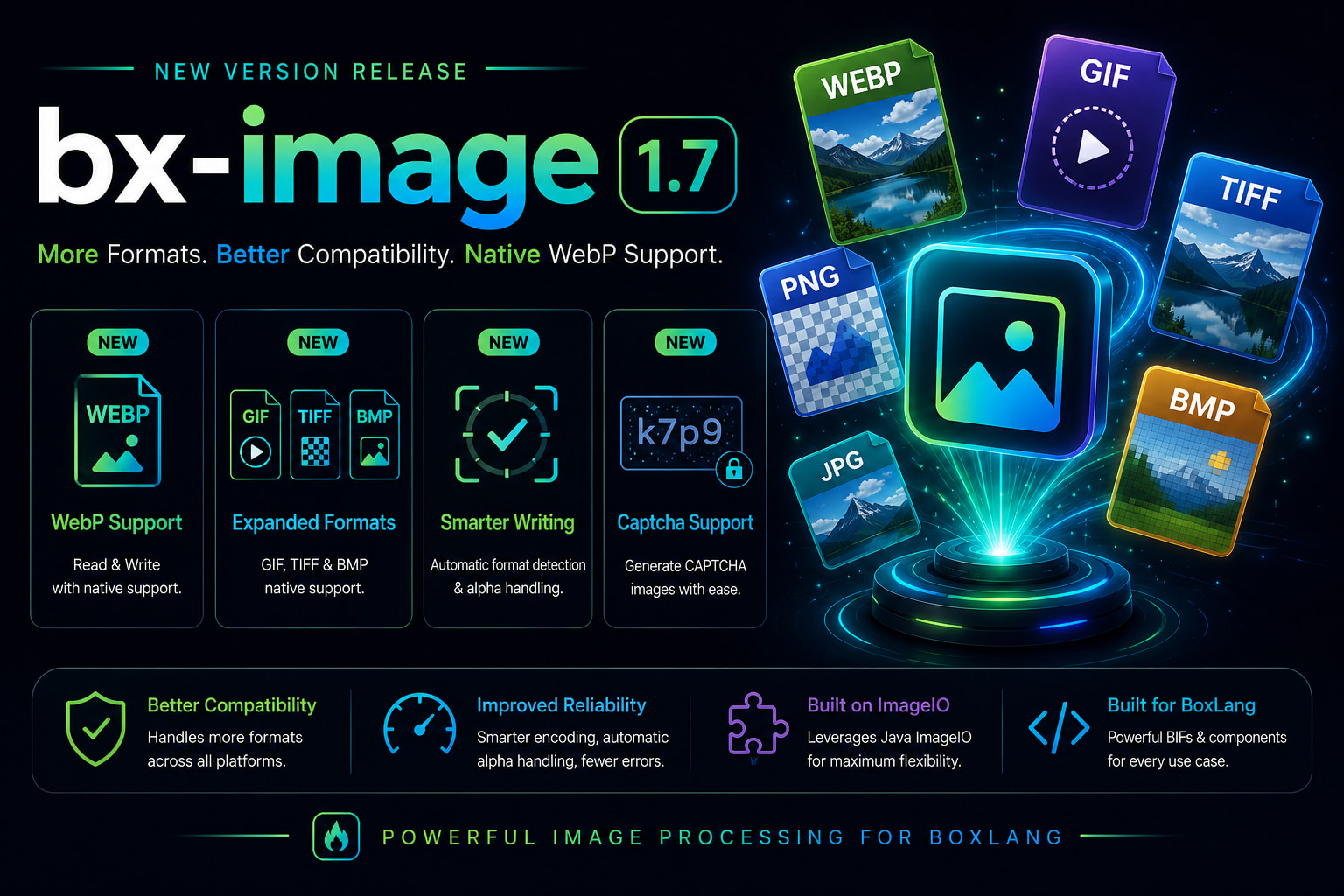
BoxLang Image Module 1.7.0: Full Format Freedom with WebP, GIF, BMP, TIFF and Built-in CAPTCHA

BoxLang Image Module 1.7.0: Full Format Freedom with WebP, GIF, BMP, TIFF and Built-in CAPTCHA

The BoxLang image module just landed two back-to-back releases that make it significantly more capable. 1.6.0 brought CAPTCHA generation. 1.7.0 adds four new image formats, fixes a silent write bug that has been producing PNG files regardless of what extension you asked for, and adds proper alpha channel handling for formats that don't support transparency. Let's dig in. 🚀

Luis Majano
Luis Majano
June 01, 2026
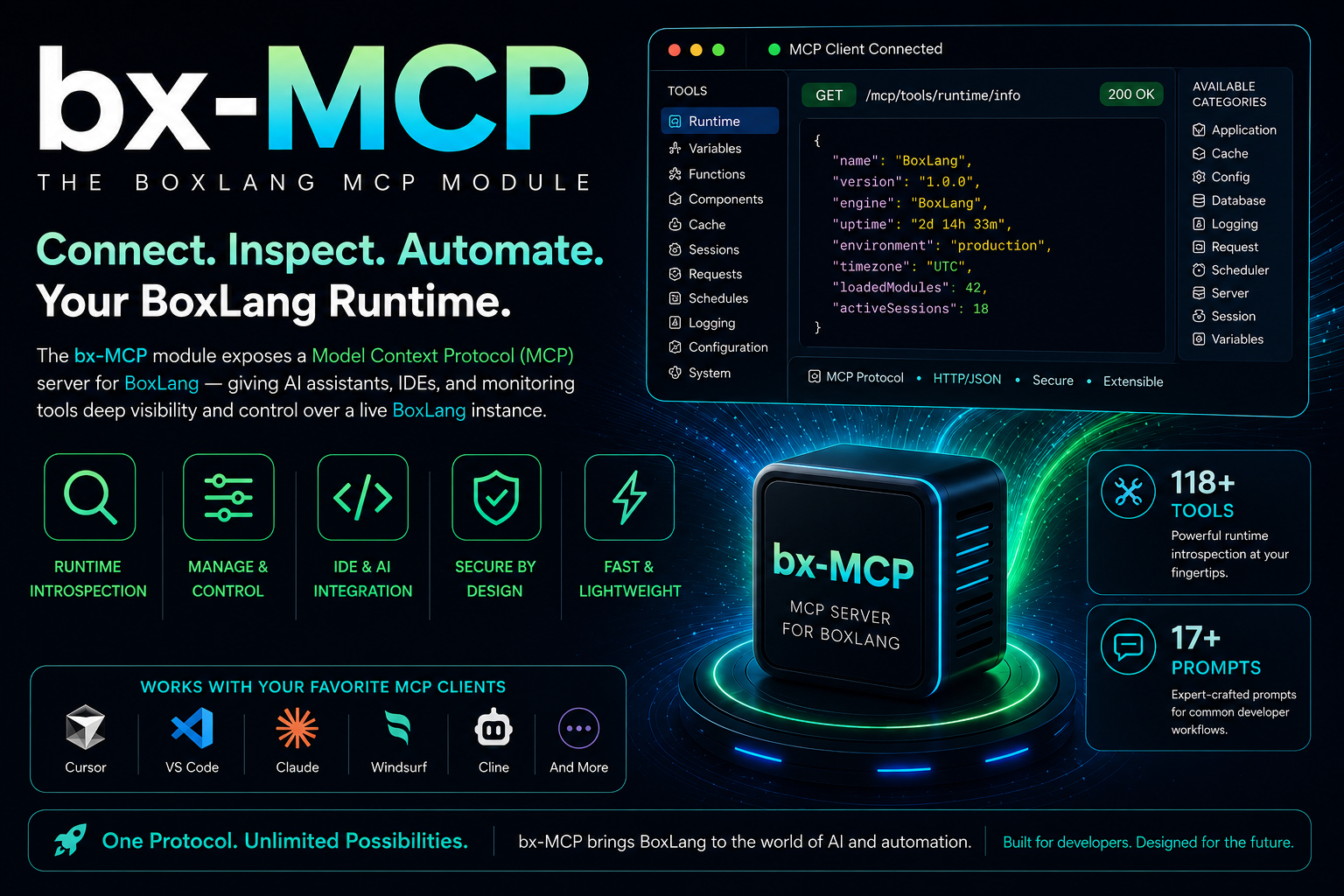
🚀 Introducing BoxLang MCP: Give Your AI a Window Into Your Running BoxLang Application

🚀 Introducing BoxLang MCP: Give Your AI a Window Into Your Running BoxLang Application

You launch your BoxLang application, traffic flows, schedulers execute, caches warm, threads spin. And when something goes wrong, you jump between logs, dashboards, admin panels, and monitoring tools to piece together the full picture. Meanwhile, your AI coding assistant only understands your source code. It has no visibility into your running application. It cannot tell you why your thread pool is saturated, whether cache performance is degrading, or which scheduled task silently failed overnight.

Luis Majano
Luis Majano
June 01, 2026